How to download your EPF passbook online
What you need, the exact steps on the EPFO passbook portal, and when you should check it.
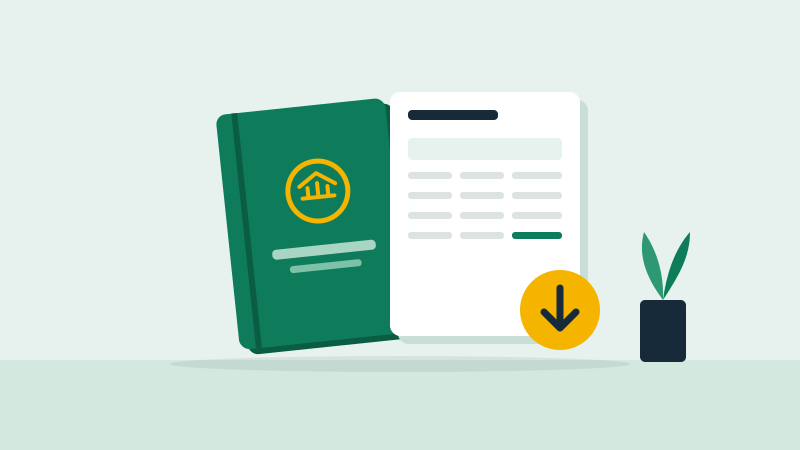
Your EPF passbook shows every PF contribution from you and your employer. You can download your EPF passbook online in a few minutes once your UAN is active.
What you need
- Your UAN (Universal Account Number), shown on your payslip
- UAN activated on the EPFO member portal, with a password
- Your mobile number linked to UAN for OTP
Steps to download
- Go to the EPFO member passbook portal (passbook.epfindia.gov.in)
- Log in with your UAN, password and captcha
- Choose your member ID if you have worked at more than one company
- View or download the passbook as a PDF
You can also check the passbook in the UMANG app under EPFO services.
When to check it
- Every few months, to confirm your employer is depositing PF
- After a job switch, to confirm the transfer to your new account
- Before applying for a withdrawal
If entries are missing, ask your employer's HR first, then raise a grievance on the EPFO grievance portal. Changing jobs soon? Read the job switch playbook and your first 90 days in a new job.