WhatsApp backup stuck on Android? Five fixes that work
Storage, network and account checks that get a stuck WhatsApp backup moving again.
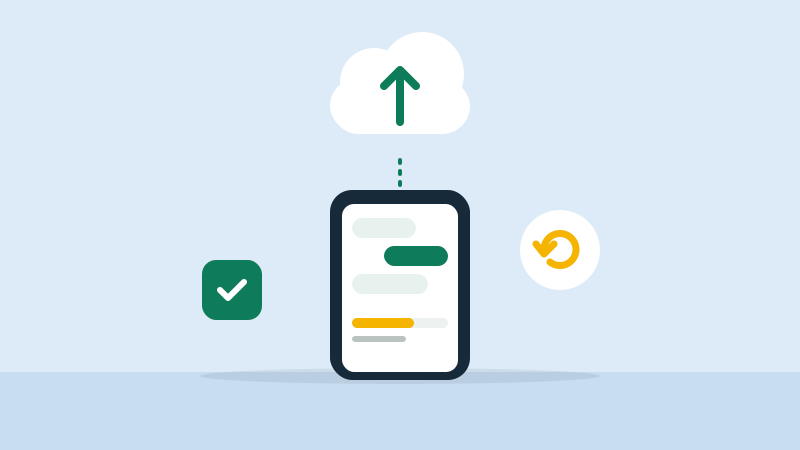
If your WhatsApp backup is stuck on Android at a percentage, it is usually a storage, network or account problem. Try these fixes in order.
1. Check Google account storage
WhatsApp backs up to your Google account. Open Google One or Google Drive and check that there is free space. A full account stops the backup.
2. Allow backup over mobile data, or use Wi-Fi
In WhatsApp, go to Settings > Chats > Chat backup. If "Back up using cellular" is off, the backup waits for Wi-Fi. Connect to stable Wi-Fi and keep the phone charging.
3. Exclude videos
Videos make backups large and slow. Turn off "Include videos" for one backup and see if it finishes.
4. Update WhatsApp and Google Play services
Old versions cause backup errors. Update both from the Play Store and restart the phone.
5. Check the Google account in WhatsApp
In Chat backup, confirm the Google account is the one you expect. Remove and re-add it if needed.
If storage is the real problem, see how to free up phone storage without deleting photos. For payment issues, read UPI payment failed but money debited.